

A redesign is not the same as starting again. An existing WordPress website already has pages that visitors use, titles that search engines know, and links that point to specific URLs. If those are thrown away in a redesign, the new website may look better and still work worse — visitors land on missing pages, enquiries drop, and pages that used to be found have to be found again.
This guide explains how to plan a WordPress website redesign: what to keep, what to change, and what to redirect. It is written for a business owner with an existing site, not for a developer, and it focuses on the decisions that protect what already works.
Decide first: redesign, rebuild, or fix what you have
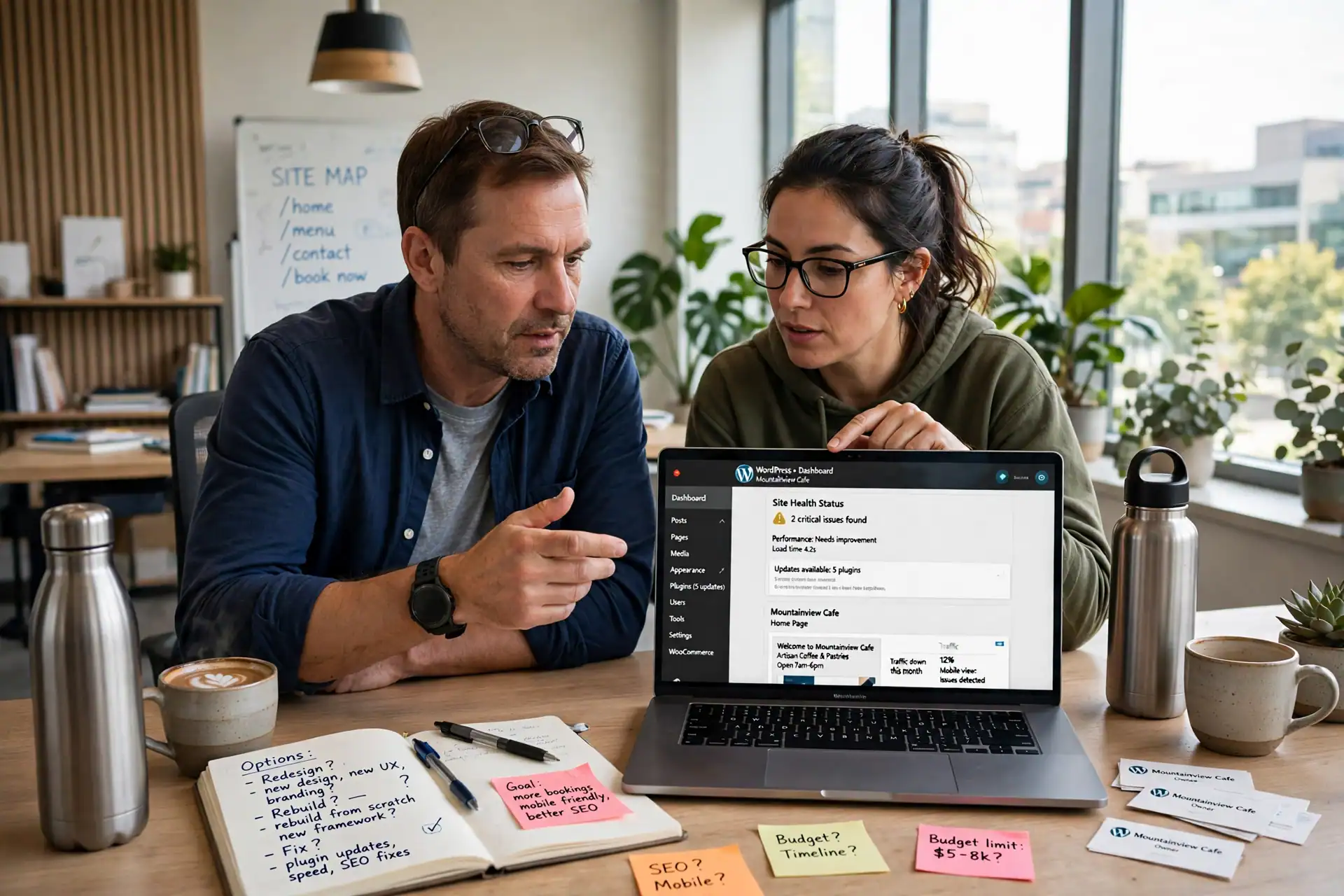
Before anyone talks about a new design, decide what kind of change the website actually needs. There are three different answers, and they lead to very different amounts of work.
A redesign keeps the structure and content largely as they are, but changes how the site looks and how visitors move through it. It fits a site whose pages are still right, but whose design is dated, unclear, or hard to use on a phone.
A rebuild starts again with new structure, new pages, and often a new way of organising content. It fits a site whose structure itself is wrong — for example, services that have changed completely, or pages built around a business the owner no longer runs.
A fix is smaller still: correct the homepage headline, repair a broken form, improve speed, or rewrite one unclear page. It fits a site that mostly works but has one or two clear problems.
Ask which problem you are actually solving. If the problem is “visitors do not understand what we do”, that is a content and layout problem, and a redesign with clearer pages may be enough. If the problem is “nobody can find us”, a new design alone will not solve it — the pages, titles, and links need attention first. And if the problem is only “the contact form does not work”, fix the form; do not redesign the whole site to repair it. For help deciding what a new website should include in the first place, see the WordPress website checklist guide, and for help briefing a developer once you have decided, see the guide on how to brief a WordPress developer so the quote is accurate.
What to keep: URLs, pages, titles, and content that already work
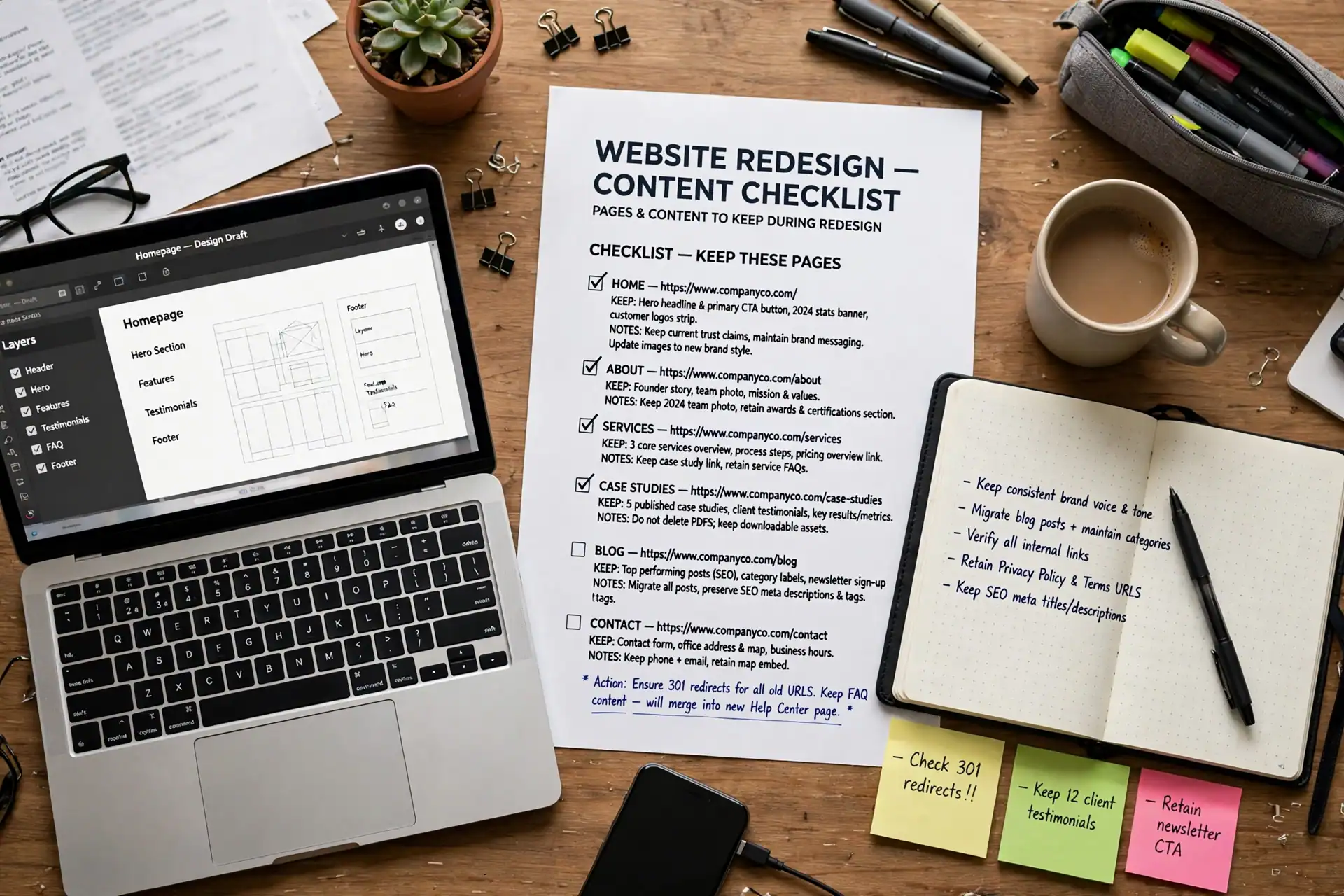
Make a list of everything the current site has before anything is changed. This list is the safety net for the whole redesign, and it should be made from the live site, not from memory.
Keep, or consciously decide about, each of these:
- Every page URL, especially pages that other sites link to, that appear in search results, or that are printed on cards and profiles.
- Page titles and descriptions that already describe the page well. A title that is changed for no reason can change how a page appears in search results.
- Content that already answers a visitor’s question. If a page explains a service clearly, rewrite it only where it is out of date or unclear — do not rewrite it simply because the design is changing.
- The contact details, forms, and enquiry steps that already work. Test them before the redesign so you know what “working” looks like afterwards.
- Images and files that are actually used, with their descriptive alt text kept where it is accurate.
If a page is no longer needed, that is a decision, not an accident. Mark it as “remove” in the list, and decide in advance where its visitors should go instead. A page that disappears without a replacement is the most common redesign mistake, and it is also the easiest to prevent with a list made before work starts. For the scope Etech Develop offers for WordPress work, see the WordPress Development service page, and for the full range of services, see the Services page.
What to change, and how to map every redirect
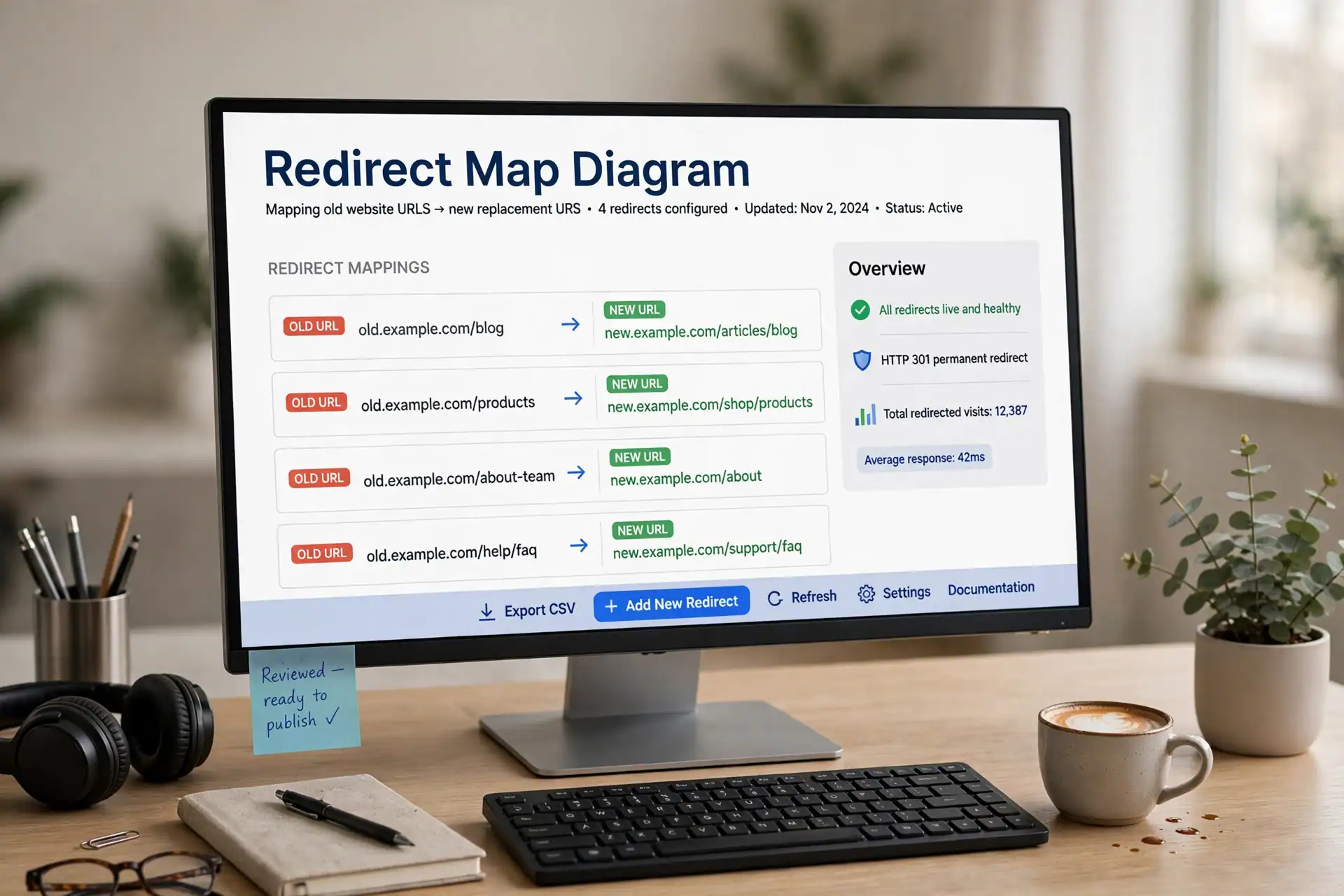
Once the keep-list is made, decide what genuinely changes: pages to merge, pages to split, pages to rename, and pages to remove. Every changed URL needs a redirect — a rule that sends a visitor from the old address to the right new address.
A redirect map is a simple table with two columns: the old URL and the new URL it should point to. Make it for every URL that changes, not only for the homepage and the main service pages. A page that is merged into another page should redirect to that page. A page that is removed with no replacement should redirect to the closest relevant page, not to the homepage by default — sending every old page to the homepage tells a visitor nothing about where their content went.
Check the map twice: once when it is written, and once after the new site is built, by opening old URLs and confirming each one lands on the intended new page. Redirects should also be checked on a phone, because that is how many visitors will arrive. A redesign does not automatically improve search visibility; it protects existing visibility only when URLs, titles, and redirects are handled this way, and even then, search engines take time to re-read the new site.
Also decide what happens to the old site during the build. Work on a staging copy that search engines are told not to index, so visitors and search engines do not find two versions of the same site. The staging copy should not be linked from the live site, and it should be removed or closed once the new site is live.
Launch checks: forms, mobile, speed, sitemap, and Search Console
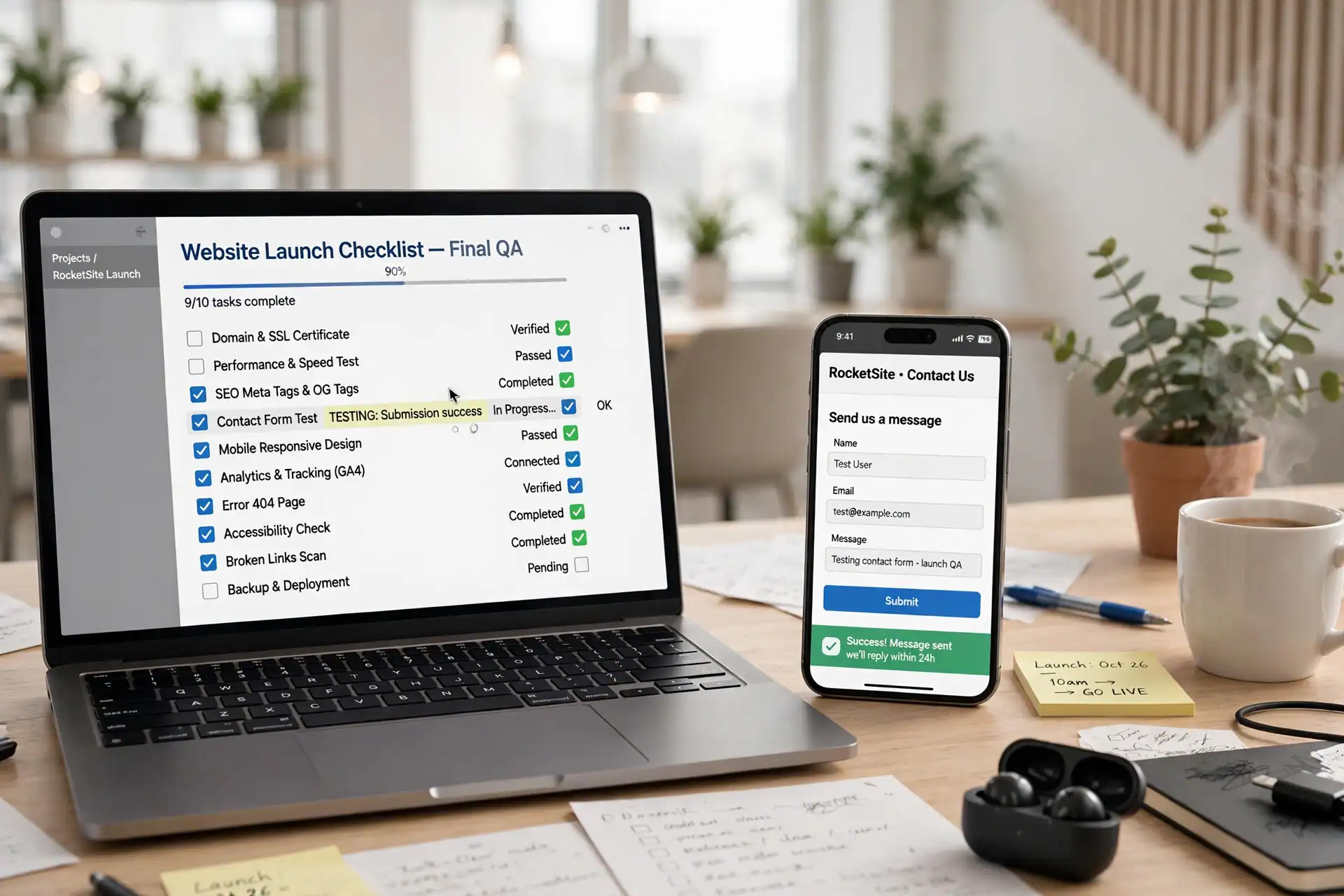
Do not launch on the strength of a design preview. Run the same checks on the live site, in order, before announcing the redesign:
- Open every redirected old URL and confirm it lands on the right new page.
- Submit the contact form yourself and confirm the enquiry arrives where it should.
- Open the site on a phone as well as on a desktop, and complete the main enquiry step on both.
- Check that page titles, descriptions, and headings survived the move, and that no page is accidentally set to noindex.
- Check that the sitemap lists the new pages and no longer lists removed pages, and that the sitemap is submitted for search engines to re-read.
- Check speed on the pages that matter most — the homepage and the main service pages — rather than only on a single test page.
After launch, watch for the problems a preview cannot show: pages returning errors, forms that stop delivering, and enquiry steps that break on one device but not another. Keep the redirect map and the keep-list after launch, because questions about a missing page often arrive weeks later, and the map is the answer.
If you are planning a redesign and want this checklist applied to your own site, contact Etech Develop through the Contact Us page and share the list of pages you most want to keep — that list is the safest place to start.