

A WordPress quote is only as accurate as the brief behind it. When a developer has to guess what a website should do, which pages it needs, or who will write the content, the quote has to include room for those guesses. That is why two quotes for the “same” website can look very different — they are often quotes for two different scopes.
This guide explains how to brief a WordPress developer so the quote is accurate. It is written for a business owner, not a developer, and it focuses on the information that actually changes price, timeline, and the final result.
Start with the job, not the design

Before you talk about colours, layouts, or themes, write down in one sentence what a visitor should do next on the website. Common jobs are: enquire through a form, call the business, buy a product, or book a consultation. That sentence decides the homepage headline, the main button, and which pages matter most.
Also say who the website is for. A website for local customers, a website for buyers in another country, and a website for other businesses will not need the same pages, language, or contact options. Give one or two examples of the visitors you most want, and one example of a visitor you do not need to serve.
Share examples of websites you like, and say what you like about each one — the layout, the way services are explained, or the way contact is handled. Examples help a developer understand your taste, but they do not replace a brief. A developer still needs to know what your own website must do, not only what another website looks like.
List the pages, the content, and the examples clearly
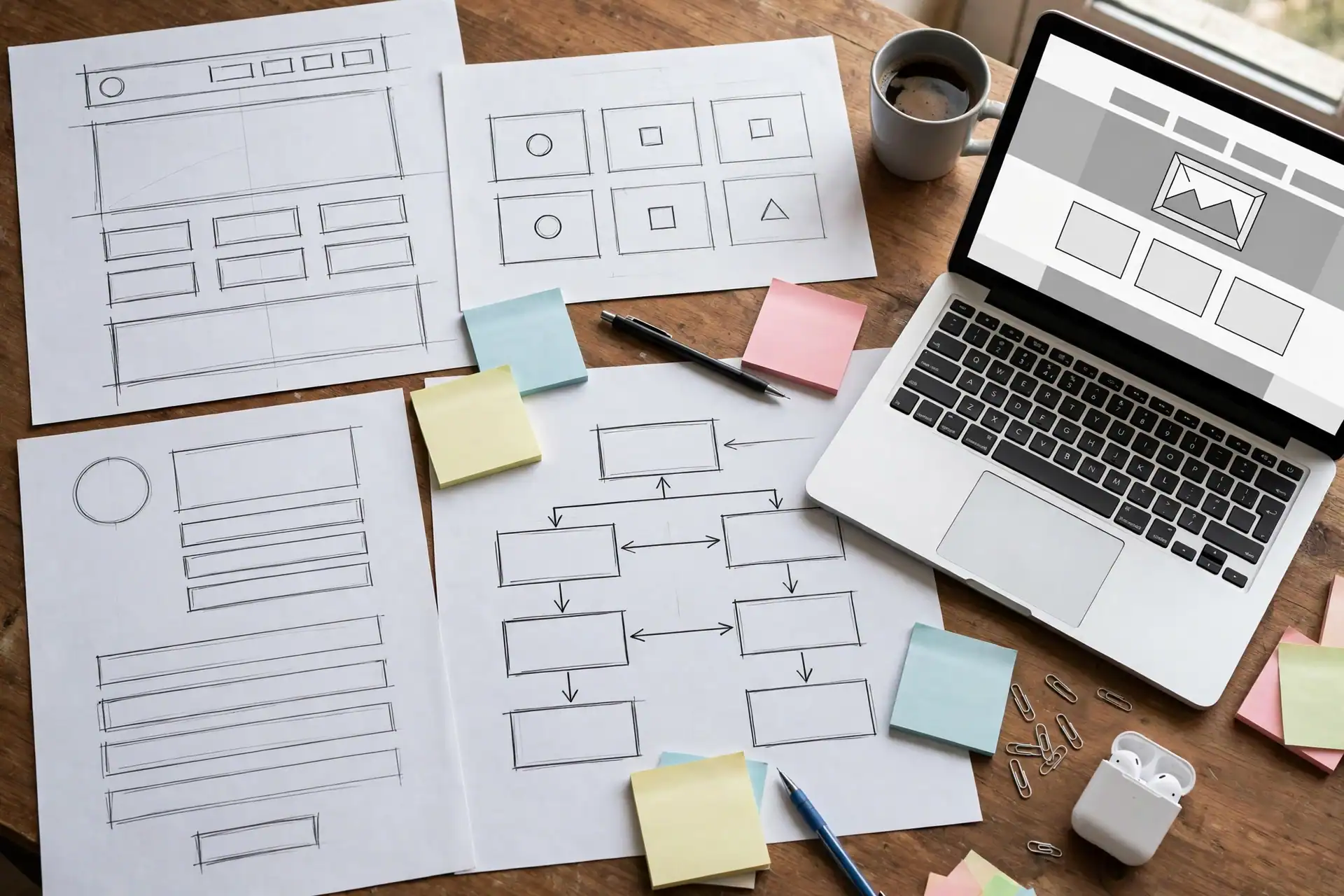
List every page you expect, even if some are short. Most small business websites need a homepage, a services page, an about page, and a contact page, plus a page for each main service if those services are different enough to deserve their own explanation. If you are not sure whether a page is needed, say so in the brief and ask the developer to advise — that is better than leaving it out and adding it later as a change.
For each page, say what it should explain and what the visitor should do next. A services page, for example, should say who the service is for, what is included, how the work proceeds, and how to enquire. If you only write “services page” in the brief, the developer has to guess how much writing, how many sections, and how many images that page needs.
Be clear about content. Say who will write the text, who will supply photos, and whether the developer should use placeholder text that you will replace later. Content is one of the most common reasons a project slows down, because a design can be ready while the text for it is still missing. For WordPress work, see the WordPress Development service page for the scope Etech Develop offers, and the Services page for the full range of services.
Say what is included, and what is not

A good quote lists what is included, and just as importantly, what is not. Ask the developer to confirm, in writing, whether the quote includes: the number of pages, the contact form and its delivery check, basic search settings such as titles and descriptions, mobile checks, speed checks, and a sitemap. Also ask what is not included, such as ongoing updates, new pages after launch, paid advertising, or content writing.
If you compare quotes, compare the same scope. A lower quote that leaves out the contact form test, mobile checks, or basic search settings is not the same offer as a higher quote that includes them. Ask each developer the same questions, and keep their answers together, so the comparison is fair.
Say whether you have a budget range. You do not need to state an exact figure if you are not comfortable doing so, but a range helps a developer tell you honestly what fits inside it and what would need to be added later. A brief with no budget information at all often produces a quote that is either far above what you expected, or far below the scope you actually need. For help deciding what a WordPress website should include before you pay, see the WordPress website checklist guide, and for help choosing a platform, see the WordPress vs Shopify comparison.
Agree the timeline, revisions, and handover before work starts

Agree a timeline in stages, not only a launch date. Useful stages are: brief and content confirmed, design shown, pages built, testing and revisions, and launch. Ask how long each stage is expected to take, and what the developer needs from you at each stage. A timeline that depends on content you have not yet written should say so clearly.
Agree how many revision rounds are included, and how changes after launch will be handled. Small text changes are normal, but a new page, a new feature, or a redesign after launch is a separate piece of work. Knowing that in advance prevents disagreement later.
Finally, agree what handover means. At handover, you should receive a working website, working contact details, basic search settings in place, and a clear way to ask for help or updates afterwards. Ask the developer to walk you through the site on a phone as well as on a desktop, and to show you that the main enquiry step works. A finished website is not a design preview — it is a site a visitor can actually use.
Final brief checklist before you ask for a quote: the job of the site in one sentence; who it is for; the full page list; who writes the content and supplies the photos; examples you like and why; what is included and what is not; a budget range if you have one; the staged timeline; the revision rounds; and what handover includes. Send that checklist with your brief, and the quote you receive will be far easier to compare, and far more likely to be accurate.
If you are planning a WordPress website and want this brief applied to your own scope, contact Etech Develop through the Contact Us page and share the one sentence that describes what your website should do next.