

Paying for a WordPress website is easy. Knowing what you are paying for is the hard part. Many business owners approve a design, pay the invoice, and only later discover that the site has no clear enquiry form, loads slowly on a phone, or is missing the pages a customer actually looks for. A short checklist before you pay can prevent most of that.
This guide covers what a WordPress website should include before you pay for it. It is written for a small business owner, not a developer, and it links to the service it describes so you can check the scope for yourself.
Decide the job of the website before you pay

A website is not a brochure. It has a job. Before you discuss colours or layouts, write down in one sentence what a visitor should do next. Common jobs are: enquire through a form, call the business, buy a product, or book a consultation. That one sentence decides the homepage headline, the main button, and which pages matter most.
Ask the developer to show you, before launch, where that next step appears on the homepage, on a service page, and on a phone screen. If the next step is hard to find on mobile, it will be hard to find for most visitors, because many of them will arrive on a phone first.
Also agree what “finished” means. A finished website should have its pages published, its forms working, its contact details correct, and its basic search settings in place. A design preview alone is not a finished website.
The pages and structure every business website needs
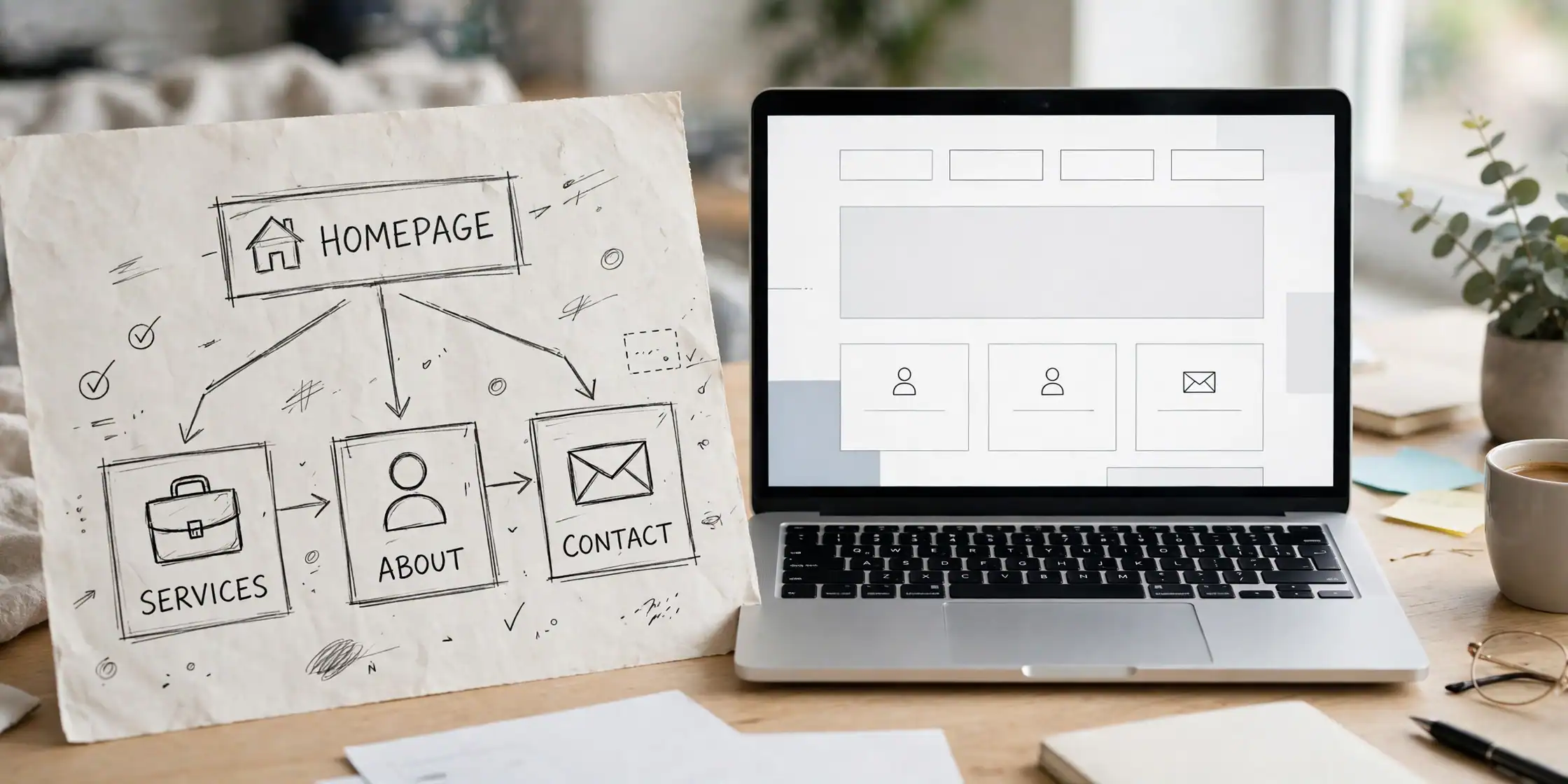
Most small business websites need the same core pages, even if the wording changes by industry. A homepage that states what the business does and who it helps. A services page that explains what is included, not just a list of service names. An about page that says who is behind the business. A contact page with a working form, a phone number, an email address, and a location or service area where that applies.
Internal links matter here. A service page should link to the contact page, and a blog article should link back to the relevant service page, so a reader can move from learning to enquiring without searching for the next step. For WordPress work, see the WordPress Development service page for the scope Etech Develop offers, and the Services page for the full range of services.
Navigation should stay simple. If a visitor needs more than two clicks to reach a service or a contact form, the structure is probably too complicated. Keep the main menu short, use the same menu on every page, and make sure the footer repeats the contact details.
Design, speed and mobile — what a visitor notices first

Design is not only about looking good. A visitor judges a site in seconds, and the first things they notice are whether it loads quickly, whether it reads clearly on a phone, and whether the text is easy to scan. A slow or cramped mobile view will lose visitors before they read a single service description.
Before you pay, check the site on a real phone, not only on a desktop preview. Read the headings, tap the buttons, and submit a test enquiry if the developer allows it. Check that images are not oversized, that text does not overflow the screen, and that the site still looks complete after the page has fully loaded.
Speed and mobile design are also part of search visibility. A site that is slow on mobile is harder to use and harder to recommend, whatever its content says. For a deeper look at why speed matters for enquiries, see the guide on website speed optimisation, and for help choosing a platform, see the WordPress vs Shopify comparison.
Content, SEO basics and trust signals that help enquiries
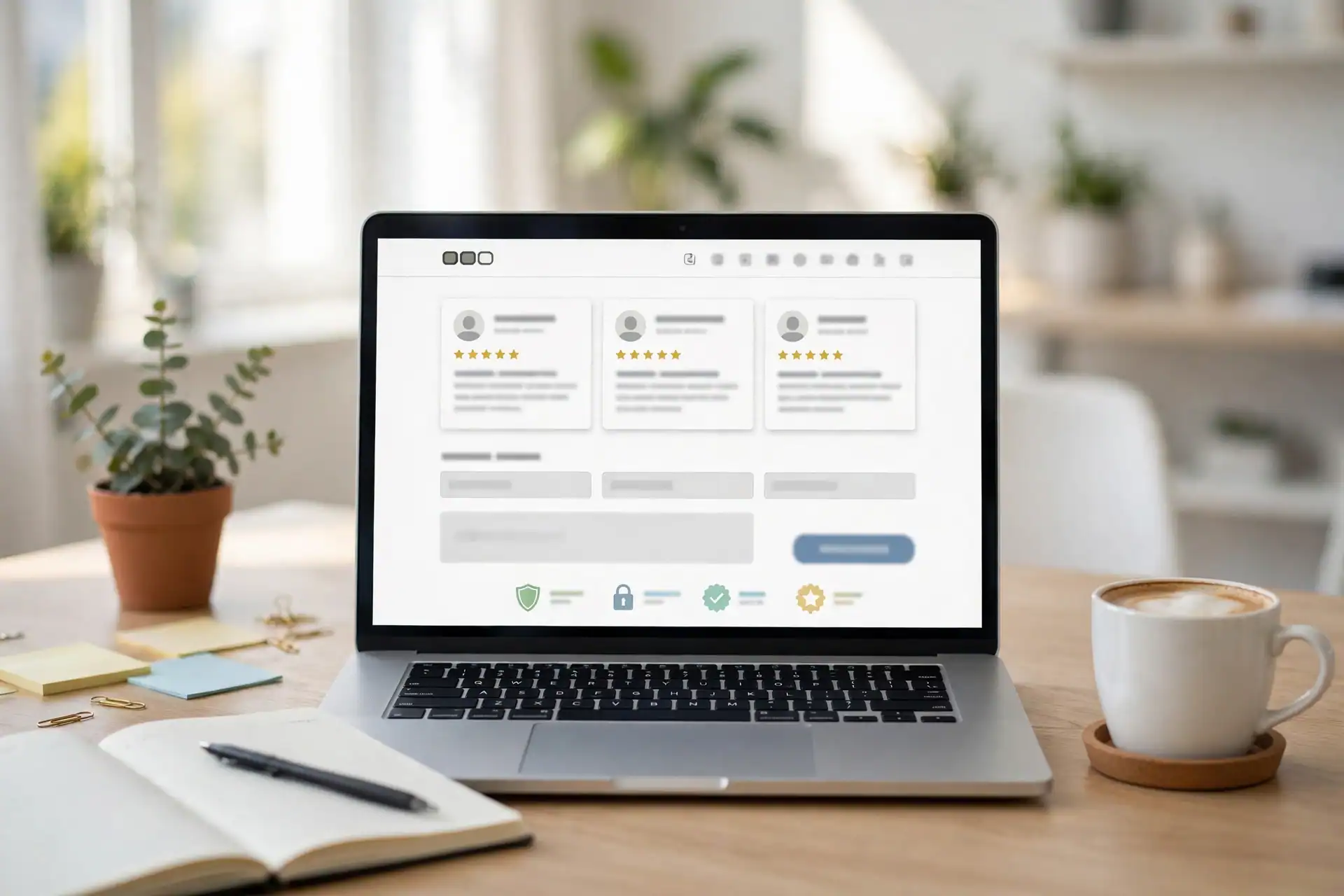
Good content answers the question a visitor arrived with. Each service page should explain who the service is for, what is included, how the work proceeds, and what the visitor should do next. Avoid vague claims. If a page promises a result, a price, or a timeline, that claim should be one the business can actually deliver.
Basic search optimisation should be in place before launch. That means a clear title and description for each page, one main heading per page, descriptive headings for sections, and descriptive alt text for images. It also means the site can be found in a sitemap, and that its main pages are not accidentally set to noindex.
Trust signals help a visitor decide. Real reviews, a correct phone number and email address, a clear location or service area, and a working contact form all matter more than decorative badges. Check that the phone number on the site matches the number the business actually answers, and that the contact form delivers to an inbox that is checked regularly.
Final checklist before you pay: the job of the site is written down in one sentence; the core pages are published; the main enquiry step works on desktop and on mobile; the site loads cleanly on a phone; each page has a clear title, description and headings; images have descriptive alt text; contact details are correct and consistent; and the sitemap includes the new pages. If any item on that list is missing, ask for it to be completed before final payment, not after.
If you are planning a WordPress website and want this checklist applied to your own scope, contact Etech Develop through the Contact Us page and share the one sentence that describes what your website should do next.