

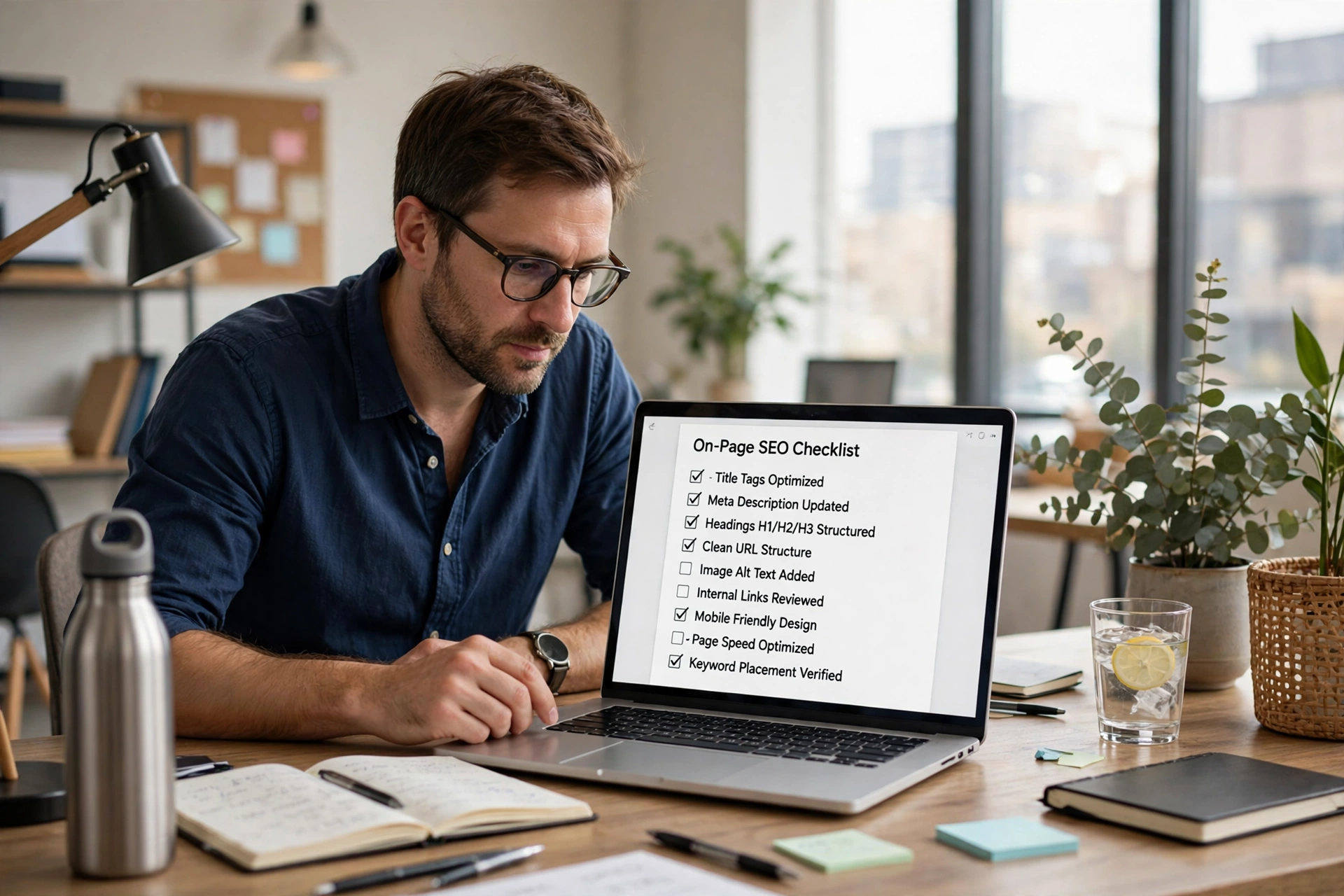
On-page SEO is the work done on the page itself: the title a searcher sees, the headings a reader scans, the links that connect one page to another, and the images that support the words. None of these alone ranks a page, but together they decide whether a searcher clicks, whether a reader stays, and whether a search engine understands what the page is about.
This checklist works one page at a time, in the order to check it. Start with the search question the page answers, then fix the title and description, then the headings and links, and finish with images and a final pre-publish check. A page that passes all four sections is ready; a page that fails the first section should not be polished further until its question is clear.
Start with search intent: one page, one question
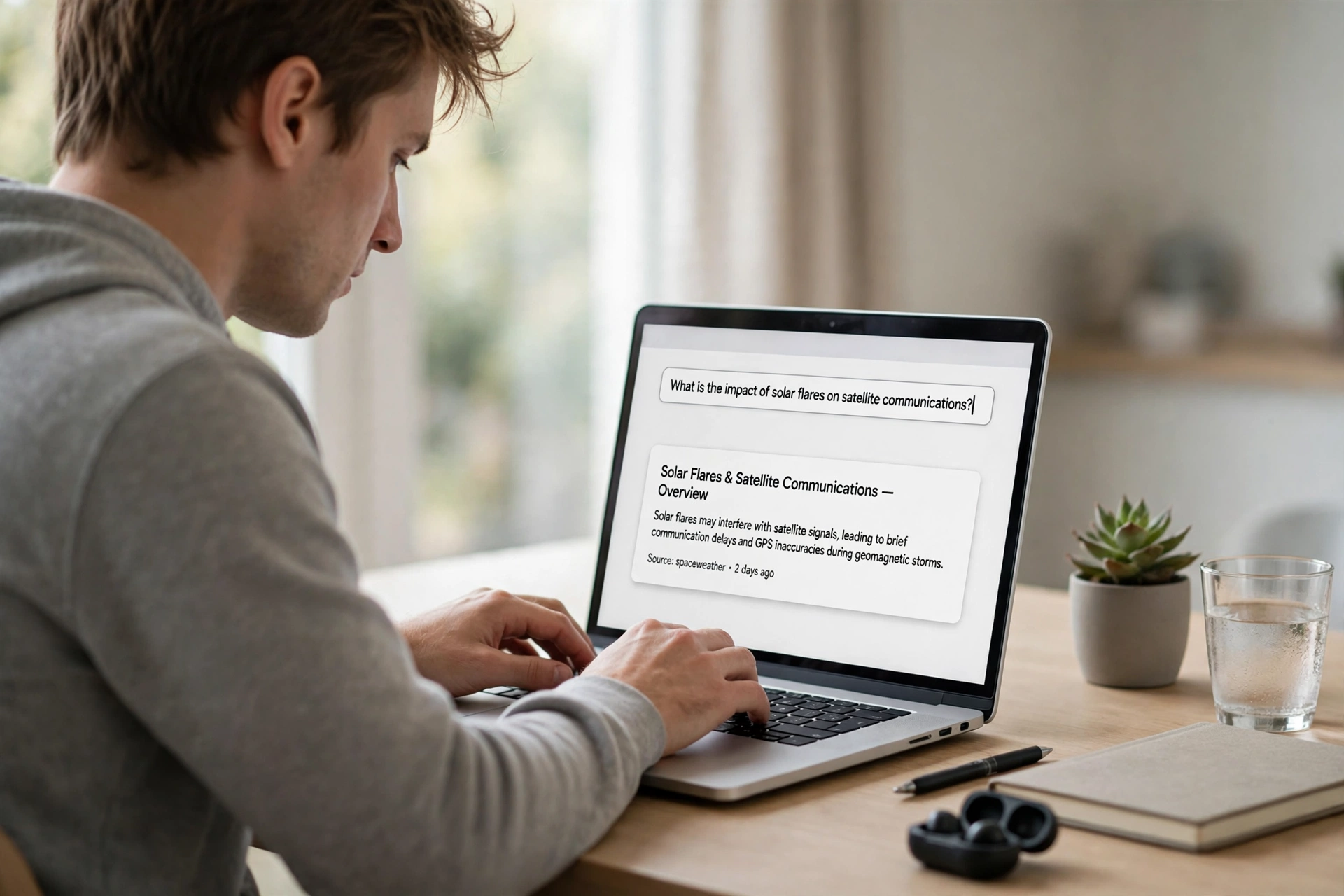
Every page should answer one clear question, stated in the words a buyer or reader would actually type. If a page tries to answer three different questions, it usually answers none of them well, and its title, headings and links pull in different directions. Write the question down before writing the page, and check every section against it: does this section help answer that question, or is it filling space?
When two pages on the same site answer the same question, they compete with each other instead of helping each other. Check the existing posts first, and give the new page a question no other page already answers. For the technical checks that sit behind this page-level work, see the Technical SEO Audit Checklist for a WordPress Site.
Titles and meta descriptions that earn the click
The SEO title is the page’s promise in the search results, and the meta description is the short sentence that supports it. A good title names the topic and the benefit plainly, without stuffing it with keywords or making a claim the page cannot keep. Keep the title readable first; a title written only for a search engine usually reads badly to the person who has to click it.
Write the meta description as one or two sentences a real person would understand, and make sure it matches the page. A description that promises a checklist should lead to a checklist, not to a sales page. When the title and description match the page, fewer visitors bounce straight back, and that is a better signal than a clever title on a page that disappoints. For what a WordPress page should include before it is sold or published, see the WordPress website checklist guide.
Headings and internal links that guide readers and search engines
Headings are the page’s outline. One H1 states the page’s topic, and H2 headings break that topic into sections a reader can scan in seconds. Skipping heading levels, using several H1s, or styling bold text to look like a heading all break that outline, even when the page looks fine on screen. Read the headings alone: if they tell the story of the page in order, the structure is right.
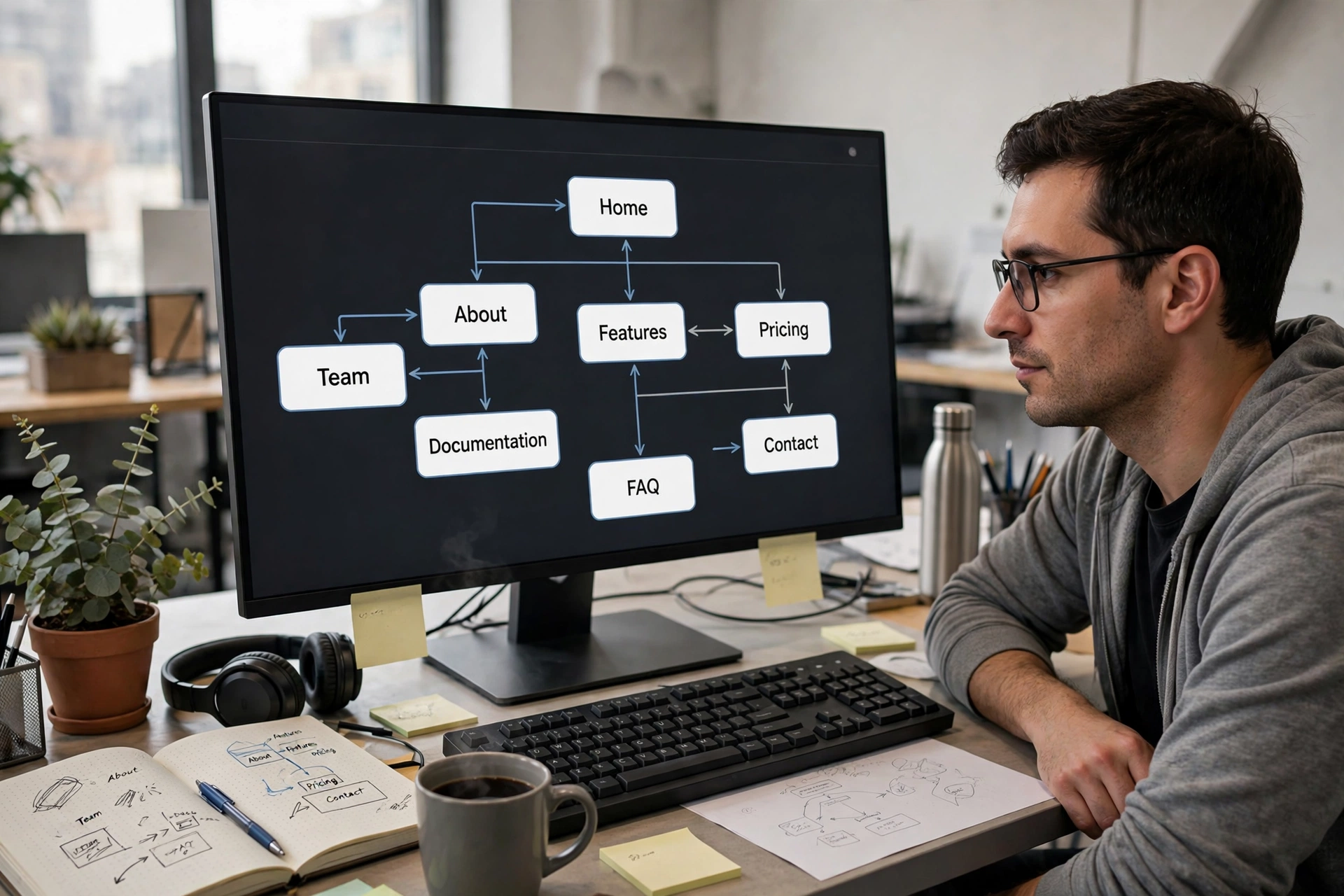
Internal links turn separate pages into a site that makes sense. Link from a post to the service page it supports, and from a service page back to the guide that explains it, using link text that says where the link goes. Do not link every mention of a word, and do not hide links in vague words like “click here”. For the service behind on-page work, see the SEO Services page, and for WordPress pages in general, see the WordPress Development page.
Images, alt text and the pre-publish check
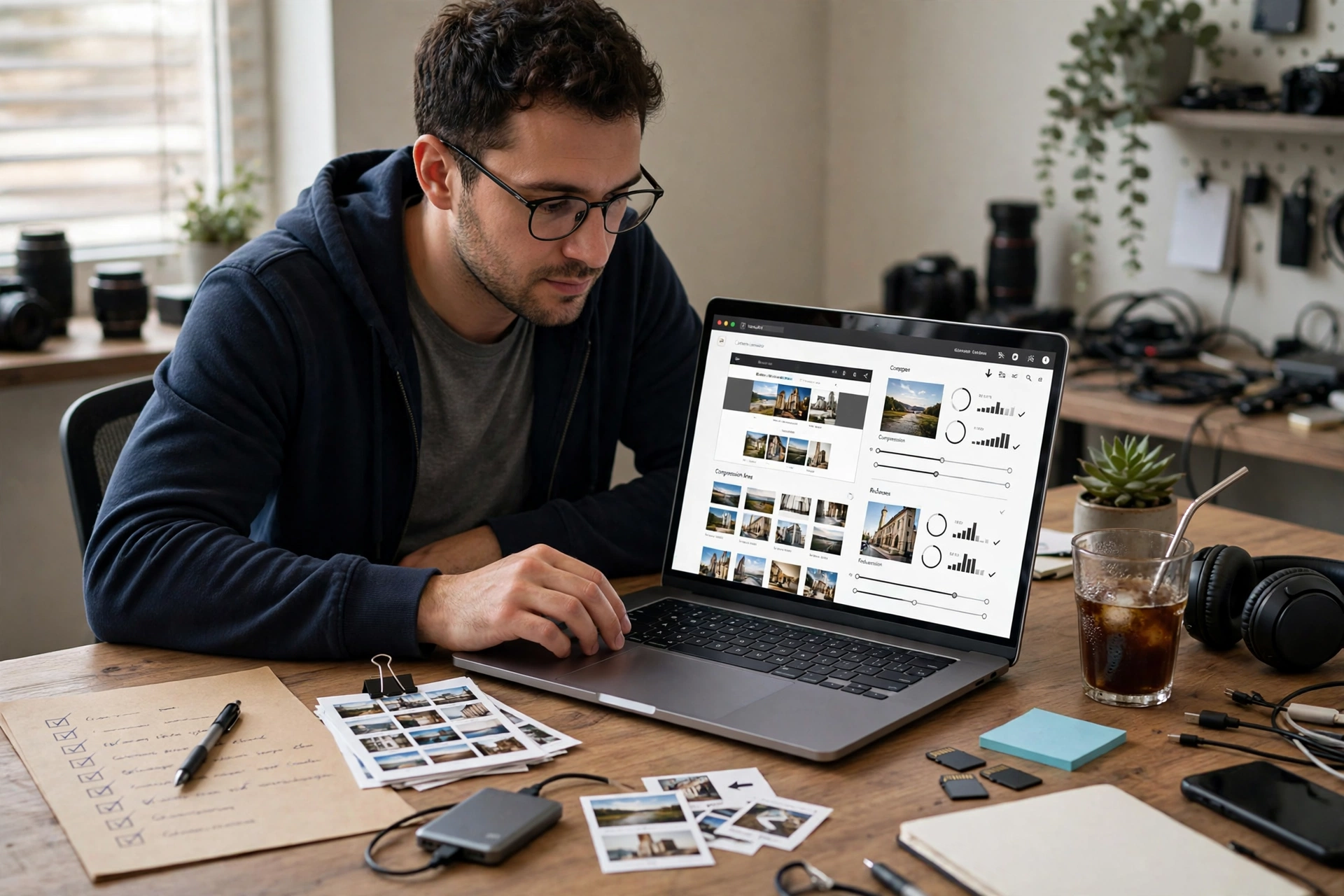
Every image needs a purpose and a description. Compress images so the page loads sensibly, especially on a phone, and write alt text that describes what the image shows for someone who cannot see it — not the file name, and not a string of keywords. Decorative images that add nothing should stay small and unobtrusive, while images that carry meaning deserve a proper description.
Before publishing, run the whole checklist once more: one question, one H1, headings in order, title and description matching the page, internal links working, images compressed with real alt text, and the category set. Preview the page on a phone, check that no heading or image is broken, and only then publish. A page published with a broken image or a wrong link is worse than a page published a day later and checked properly.
If a page on your own site needs this checklist applied to it, contact Etech Develop through the Contact Us page, and for the WordPress service behind this checklist, see the WordPress Development page.