

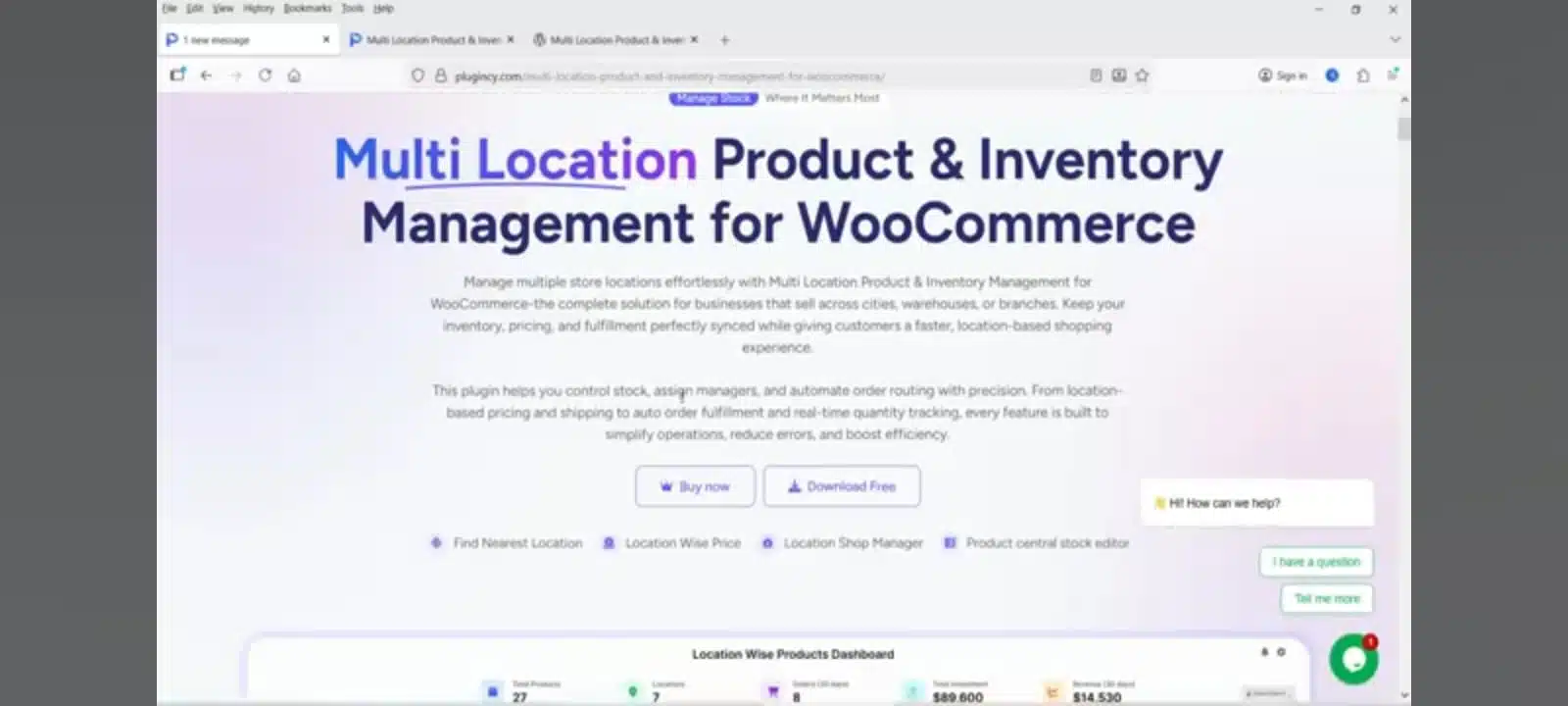
If you are running an e-commerce store and your stock is spread across multiple warehouses, physical shops, or different cities, you know exactly how challenging inventory management can be.
A common headache for business owners is running out of stock at one location while the same item sits idle in another. To solve this complexity, the Multi Location Product & Inventory Management for WooCommerce plugin is the perfect solution.
What is this Plugin?
This is a powerful WooCommerce extension designed to give you total control over your entire inventory network from a single dashboard. Whether you manage 2 warehouses or 20, this plugin keeps the records for every location clear, organized, and separate.
Key Features of the Plugin
This plugin comes packed with features designed to streamline your business operations:
Location-Wise Stock Management: Set and manage specific stock quantities for each product across different branches or warehouses.
Smart Order Routing: When a customer places an order, the plugin automatically routes it to the nearest warehouse. This ensures faster delivery and significantly reduces shipping costs.
Location-Specific Pricing: Want to set different prices for New York and London? This plugin allows you to set unique pricing for each location effortlessly.
Assign Store Managers: You can appoint dedicated managers for specific locations. They will only have access to view and update the stock for their assigned area.
Frontend Location Selection: Allow customers to choose their location on the storefront so they only see the stock available in their vicinity.
Why Does Your Business Need This?
Eliminate Errors: Manual inventory tracking via Excel is prone to human error. This plugin automates everything in real-time, ensuring your data is always accurate.
Enhanced Customer Experience: When customers receive their orders faster from a nearby location, it builds trust and improves brand loyalty.
Seamless Scalability: As your business grows and you add more warehouses, this plugin scales with you, making expansion stress-free.
Conclusion
Running a multi-location business on WooCommerce no longer has to be a logistical nightmare. The Multi Location Product & Inventory Management plugin not only saves you time but also doubles your operational efficiency.
If you’re ready to take your inventory management to a professional level, install this plugin today and watch your business thrive!
Getting Started With Multi-Location Inventory Management
Before you switch on multi-location stock, take an hour to map how your business actually moves products. List every warehouse, shop, and storage room, then count the stock at each one so the plugin starts from accurate numbers rather than guesses. Decide which location should fulfil orders first when two locations hold the same product, and agree who is allowed to change stock levels. This short setup work is what makes inventory management reliable afterwards, because the system can only route orders correctly when each location and its stock are recorded properly.
Set Clear Stock Rules for Each Location
Every location needs its own simple rules. Set a reorder point for fast-selling products so you are alerted before stock runs out, and keep a small safety buffer for items that sell unpredictably. If prices differ by city or country, record the reason for each price so managers do not change it by mistake. When each location follows the same written rules, inventory management stays consistent even as new staff join, and customers see the same availability information wherever they shop.
Keep Stock Data Accurate Day to Day
Stock numbers are only useful when they are kept up to date. Record every sale, return, and delivery against the correct location on the same day, and check the plugin’s stock figures against a quick physical count each week for your best-selling items. When a count does not match, investigate before adjusting the figure, because the difference often reveals a missed delivery, a return recorded at the wrong location, or an order routed incorrectly. Accurate day-to-day inventory management prevents overselling, reduces cancelled orders, and keeps customers confident that the stock shown on your store is real.
Common Inventory Management Mistakes to Avoid
The most common mistake is still tracking stock in a spreadsheet after the store has outgrown it, because one missed update can leave a location showing stock it no longer holds. Another is giving every staff member full editing access without clear responsibility, which makes it hard to know who changed a figure. A third is ignoring low-stock alerts until a best-seller is already sold out. Avoid these traps, review your locations weekly, and your inventory management will stay dependable as your store grows.
If you need help setting up a multi-location WooCommerce store, see our WordPress Development services or contact us through the Contact Us page for a review of your current setup.